Create your professional CV online
Choose one of 61 recruiter-ready designs, type into structured fields, and watch a real A4 page build itself next to you. When it reads well, export a clean PDF whose text a recruiter — and a parser — can actually select.
- 61 templates
- ATS-friendly
- Free to start
- No card
Senior Product Designer
Senior product designer with nine years of experience shaping B2B SaaS products used by more than two million people. I pair rigorous discovery with fast, high-fidelity prototyping, and I am happiest when a design decision can be traced back to a measured user outcome. Previously led the design system that unified four product surfaces at Atlas Cloud, cutting new-feature design time by 40%.
Design lead for the Workspace pillar — onboarding, billing and the admin console — supporting 2.1M monthly active users across web and mobile.
- Rebuilt the self-serve onboarding flow, lifting activation from 34% to 58% within two quarters.
- Created and shipped the Atlas Design System (180 components, 3 platforms), reducing time-to-first-prototype by 40%.
- Introduced a fortnightly research cadence; 46 studies run in 18 months now inform the roadmap.
- Mentored four designers, two of whom were promoted to senior level.
Second designer in a 25-person fintech startup. Owned the merchant-facing dashboard end to end, from problem framing through to shipped interface.
- Shipped a reconciliation dashboard that cut average support tickets per merchant by 31%.
- Ran the first accessibility audit in company history and closed 92% of WCAG AA issues.
- Established the component library that the engineering team still builds on today.
Agency work across fifteen client engagements in retail, travel and public sector, from brand-led marketing sites to internal tooling.
- Delivered a booking flow redesign that increased completed reservations by 22%.
- Standardised the studio’s handoff process, halving design-to-development clarification cycles.
Thesis on trust signals in financial interfaces, supervised by the LIG research group.
An open-source UI kit for North African e-commerce, with first-class RTL support and Arabic type pairing guidance.
- 4.1k GitHub stars and 60+ contributors.
- Adopted by three regional marketplaces.
A volunteer-built platform matching solar installers with rural cooperatives; designed and built the entire front end.
- Deployed across 12 cooperatives in the Souss-Massa region.
For the Atlas Cloud marketing relaunch.
Over 300 hours of one-to-one mentoring for designers entering the industry, with a focus on the MENA region.
A field study of how visual and copy signals change completion rates in remittance flows.
Senior Product Designer
Senior product designer with nine years of experience shaping B2B SaaS products used by more than two million people. I pair rigorous discovery with fast, high-fidelity prototyping, and I am happiest when a design decision can be traced back to a measured user outcome. Previously led the design system that unified four product surfaces at Atlas Cloud, cutting new-feature design time by 40%.
Design lead for the Workspace pillar — onboarding, billing and the admin console — supporting 2.1M monthly active users across web and mobile.
- Rebuilt the self-serve onboarding flow, lifting activation from 34% to 58% within two quarters.
- Created and shipped the Atlas Design System (180 components, 3 platforms), reducing time-to-first-prototype by 40%.
- Introduced a fortnightly research cadence; 46 studies run in 18 months now inform the roadmap.
- Mentored four designers, two of whom were promoted to senior level.
Second designer in a 25-person fintech startup. Owned the merchant-facing dashboard end to end, from problem framing through to shipped interface.
- Shipped a reconciliation dashboard that cut average support tickets per merchant by 31%.
- Ran the first accessibility audit in company history and closed 92% of WCAG AA issues.
- Established the component library that the engineering team still builds on today.
Agency work across fifteen client engagements in retail, travel and public sector, from brand-led marketing sites to internal tooling.
- Delivered a booking flow redesign that increased completed reservations by 22%.
- Standardised the studio’s handoff process, halving design-to-development clarification cycles.
Thesis on trust signals in financial interfaces, supervised by the LIG research group.
An open-source UI kit for North African e-commerce, with first-class RTL support and Arabic type pairing guidance.
- 4.1k GitHub stars and 60+ contributors.
- Adopted by three regional marketplaces.
A volunteer-built platform matching solar installers with rural cooperatives; designed and built the entire front end.
- Deployed across 12 cooperatives in the Souss-Massa region.
Over 300 hours of one-to-one mentoring for designers entering the industry, with a focus on the MENA region.
A field study of how visual and copy signals change completion rates in remittance flows.
Senior Product Designer
Senior product designer with nine years of experience shaping B2B SaaS products used by more than two million people. I pair rigorous discovery with fast, high-fidelity prototyping, and I am happiest when a design decision can be traced back to a measured user outcome. Previously led the design system that unified four product surfaces at Atlas Cloud, cutting new-feature design time by 40%.
Design lead for the Workspace pillar — onboarding, billing and the admin console — supporting 2.1M monthly active users across web and mobile.
- Rebuilt the self-serve onboarding flow, lifting activation from 34% to 58% within two quarters.
- Created and shipped the Atlas Design System (180 components, 3 platforms), reducing time-to-first-prototype by 40%.
- Introduced a fortnightly research cadence; 46 studies run in 18 months now inform the roadmap.
- Mentored four designers, two of whom were promoted to senior level.
Second designer in a 25-person fintech startup. Owned the merchant-facing dashboard end to end, from problem framing through to shipped interface.
- Shipped a reconciliation dashboard that cut average support tickets per merchant by 31%.
- Ran the first accessibility audit in company history and closed 92% of WCAG AA issues.
- Established the component library that the engineering team still builds on today.
Agency work across fifteen client engagements in retail, travel and public sector, from brand-led marketing sites to internal tooling.
- Delivered a booking flow redesign that increased completed reservations by 22%.
- Standardised the studio’s handoff process, halving design-to-development clarification cycles.
Thesis on trust signals in financial interfaces, supervised by the LIG research group.
An open-source UI kit for North African e-commerce, with first-class RTL support and Arabic type pairing guidance.
- 4.1k GitHub stars and 60+ contributors.
- Adopted by three regional marketplaces.
A volunteer-built platform matching solar installers with rural cooperatives; designed and built the entire front end.
- Deployed across 12 cooperatives in the Souss-Massa region.
For the Atlas Cloud marketing relaunch.
Over 300 hours of one-to-one mentoring for designers entering the industry, with a focus on the MENA region.
A field study of how visual and copy signals change completion rates in remittance flows.
Templates
Designs a recruiter has seen before — done properly
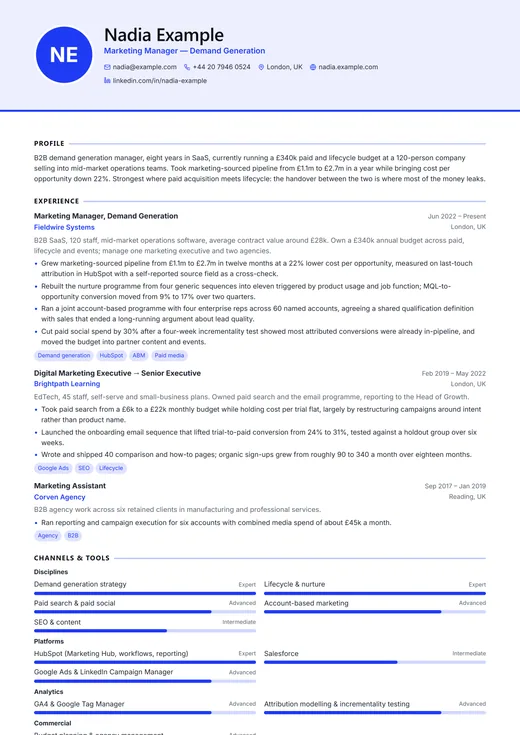
Modern Professional
modern · one column
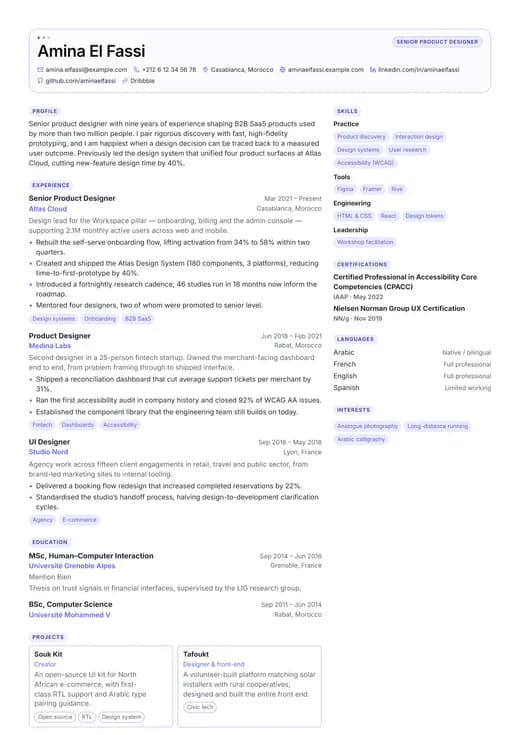
UI/UX Designer
creative · two columns
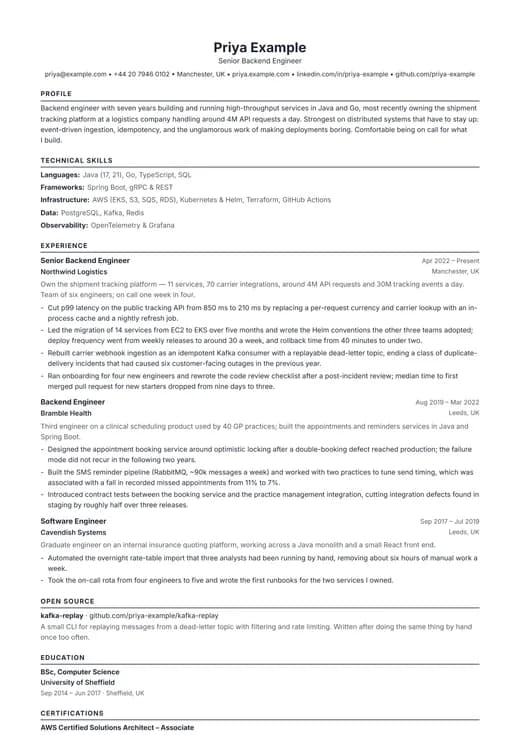
ATS Resume
ATS-friendly · one column
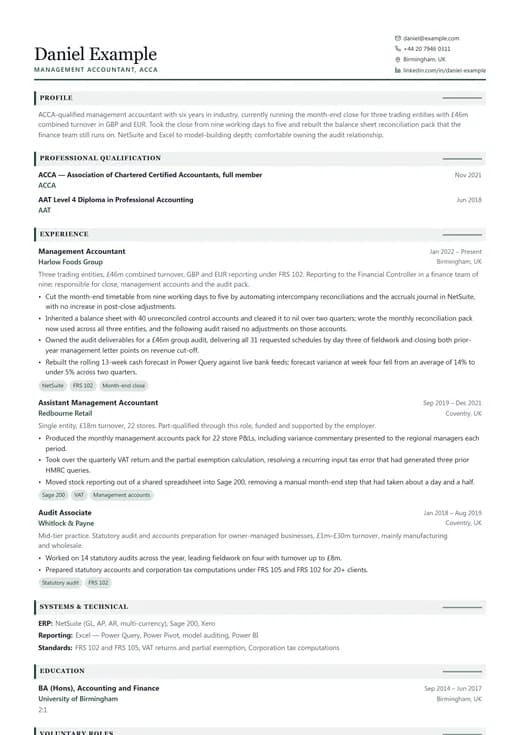
Finance CV
corporate · one column
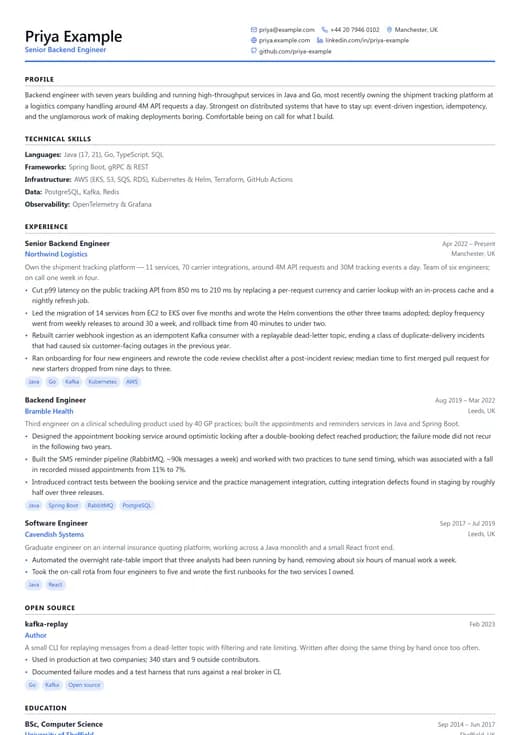
Software Engineer
technology · one column
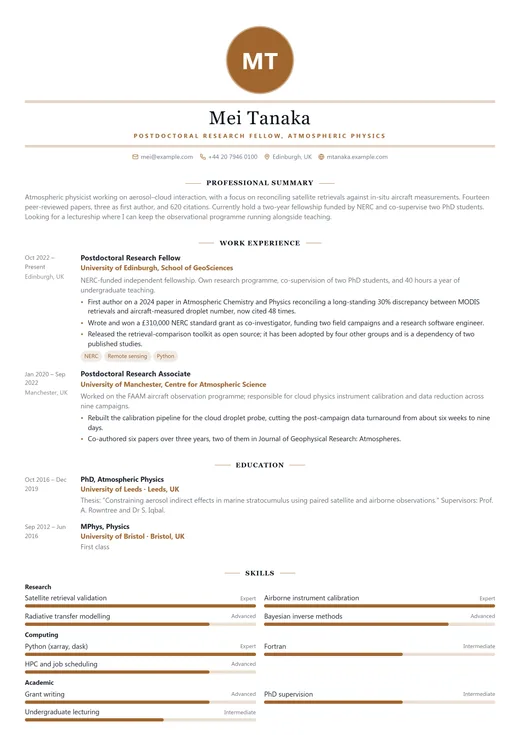
Modern Elegant
modern · one column
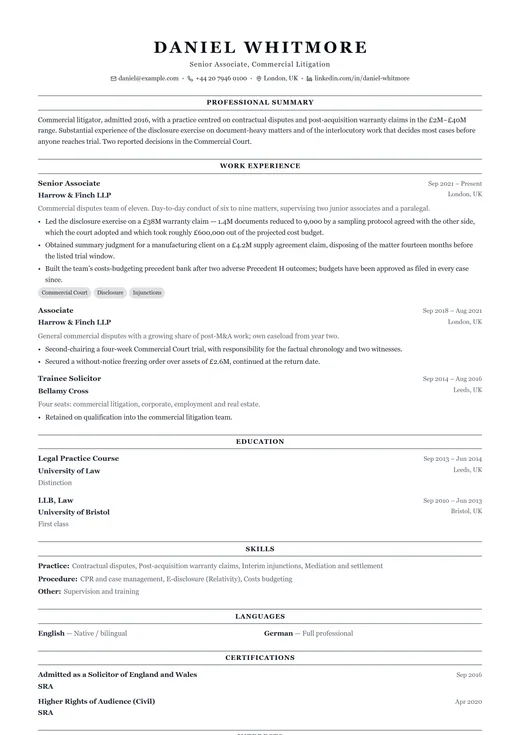
Classic Professional
classic · one column
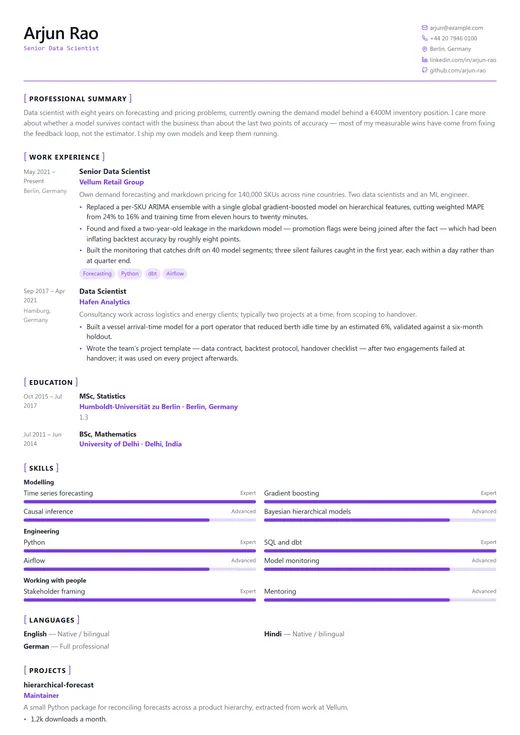
Data Scientist
technology · one column
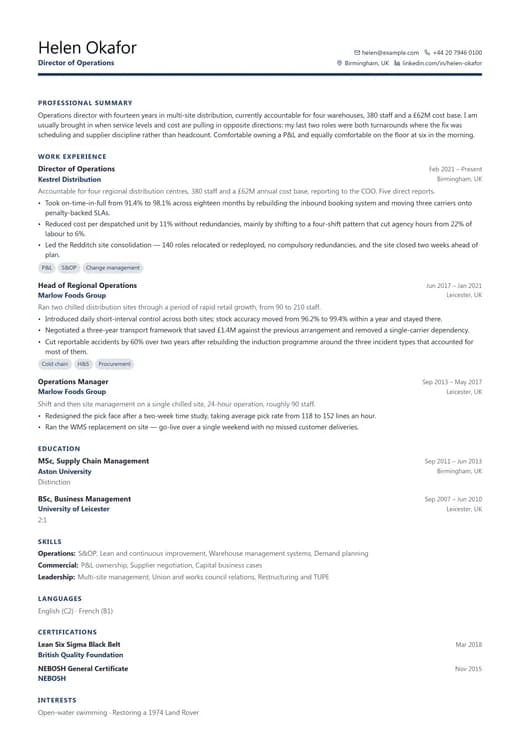
Business Professional
corporate · one column
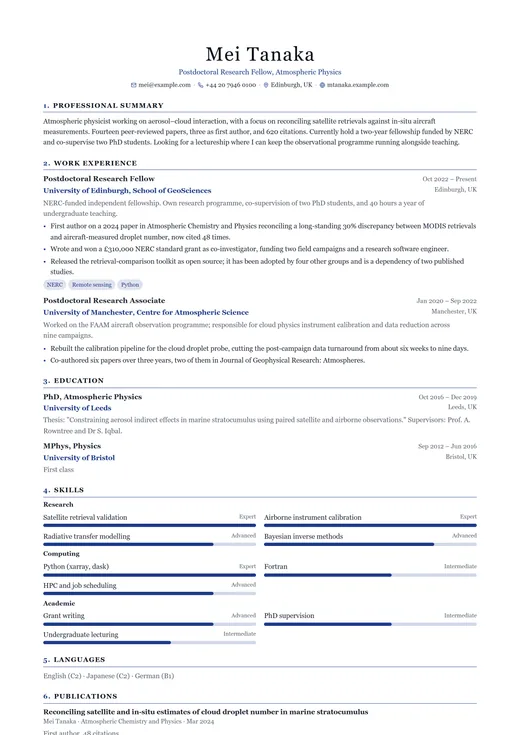
Academic CV
classic · one column
How it works
Four steps from blank page to finished PDF
- 1
Pick a template
Start from any of the 61 designs, filtered by category or by ATS score. Nothing is locked in — changing template later keeps every word you have written.
- 2
Fill in the fields
Type into real fields — role, employer, dates, achievements — instead of wrestling a text box. Load the worked example first if you want to see the shape of a strong entry.
- 3
Shape it for the job
Reorder or switch off sections, adjust the accent colour, fonts and spacing, and trim to one page. The preview redraws as you type, at true page size.
- 4
Download the PDF
Export to A4 or US Letter. The text stays selectable, so a parser reads words rather than a picture of them. Duplicate the CV to tailor the next version.
Not sure what to write? Worked CV examples by role show the finished article before you start.
The editor
What you actually get to work with
A preview that is the document
Same renderer, same page box, same fonts as the export — not an approximation. You can see where the page break will land while you are still writing the sentence above it.
Autosave you can forget about
Edits are written to your account a second or two after you stop typing. There is no save button, and no lost draft when a laptop lid closes on the train.
Reorder or hide any section
Drag the 13 built-in sections into the order your story needs — skills above experience for a career changer — and switch off the ones that do not earn their space.
Switch template, keep your text
Your CV is stored as structured content, not as a page layout. Try all 61 designs on your real material; your section order, accent colour and spacing come with you.
PDF export that matches
A4 or US Letter, drawn by the same engine as the preview. Text stays selectable and searchable, which is exactly what an applicant tracking system needs to read it.
One CV per application
Duplicate a master CV and rewrite the summary for a specific advert. Free accounts keep two CVs; Pro keeps as many versions as your search needs.
Applicant tracking systems
What an ATS actually does to your CV
Most mid-size and large employers collect applications through an applicant tracking system — Workday, Greenhouse, Lever, SmartRecruiters and a few dozen others. Before a person reads anything, the system extracts the text from your file and tries to map it onto structured fields: name, email and phone; then one record per job with an employer, a title and a date range; then education; then skills. Recruiters search, sort and filter against those fields.
The popular version of this story is that a robot rejects you. That is mostly folklore — very little is auto-rejected on formatting alone. What really happens is quieter and worse: a badly parsed CV produces a profile with your titles missing, your dates scrambled or your skills filed somewhere nobody searches. A recruiter skims that profile, not the carefully designed PDF sitting behind it, and moves on.
Where parsing tends to break
- Two-column layouts
- Text extraction follows the order elements sit in the file, not the order your eye reads them. A sidebar can be interleaved line by line with the main column, so "Python, SQL" ends up welded onto the middle of a job description.
- Skill bars, rating dots and icons
- A graphic carries no text. Four filled dots next to "French" tell a parser nothing; the words "French — full professional" tell it everything. The same goes for an envelope icon standing in for the word "Email".
- Headers, footers and text boxes
- Several parsers skip the header and footer region entirely, which is the classic way to lose your phone number and email. Free-floating text boxes have no fixed position in the reading order either.
- Tables and invented section names
- Flattening a table is guesswork, and cells can come out column-first — separating a job title from its dates. Section headings are one of the main anchors a parser uses, so "My Journey" costs you more than "Work Experience" does.
None of this comes with a guarantee, and you should distrust anyone who offers one. Every system parses differently, none of the vendors publish their rules, and those rules change. What a template can do is remove the known failure modes — and a two-column design is not automatically doomed, it simply has more ways to go wrong than a single column does.
How to write an ATS-friendly CVOur 5/5 checklist
We score every template out of five against the list below. A design has to pass all five to be marked 5/5.
- One column, read strictly top to bottom
- Every date, title and skill written as real text
- Conventional section headings
- Nothing load-bearing in a header or footer
- PDF export with selectable, searchable text
27 / 61
templates pass all five. The score sits on every template’s own page, so you can check a design before you commit an evening to it.
Browse by style
Six families, one library
Modern
11 templatesContemporary layouts with generous whitespace and a single accent colour. The safest place to start if you are not sure what your industry expects.
Browse Modern templatesCorporate
11 templatesStructured, restrained designs built for finance, consulting, management and other environments where a CV is judged on rigour before personality.
Browse Corporate templatesCreative
11 templatesExpressive layouts for design, art direction, photography and content roles — where the document itself is a work sample.
Browse Creative templatesTechnology
10 templatesEngineering-oriented templates with room for a stack, projects and open-source work, without turning your CV into a keyword dump.
Browse Technology templatesClassic
12 templatesTraditional, serif-friendly formats for academia, law, government and any employer that still expects a conventional document.
Browse Classic templatesATS-friendly
6 templatesStripped-back, single-column layouts engineered to be parsed correctly by applicant tracking systems. No columns, no graphics, no surprises.
Browse ATS-friendly templates
Numbers we can stand behind
- professional templates
- 61professional templates
- score 5/5 on our ATS checklist
- 27score 5/5 on our ATS checklist
- built-in sections, all reorderable
- 13built-in sections, all reorderable
- typefaces, on A4 or US Letter
- 15typefaces, on A4 or US Letter
Pricing
Build it free. Pay only if you need more.
Free
Everything you need to write one solid CV.
$0forever
Build a complete CV with the full editor, keep it in your account and download it as a PDF. No trial timer and no credit card.
- 20 free templates, 18 of them rated 5/5 for applicant tracking systems
- Up to 2 saved CVs
- 5 PDF downloads per month
- Real-time preview and autosave
- Accent colour and paper size
No card required
Pro
For an active job search.
$9per month
All 61 templates, unlimited CVs and unlimited downloads, so you can tailor a version of your CV to every application instead of sending the same document everywhere.
- All 61 templates
- Unlimited CVs and unlimited PDF downloads
- Full customisation: fonts, colours, spacing, sections
- Custom sections and section reordering
- Shareable public CV link
- No CreateCVOnline credit on your PDF
Secure checkout with PayPal · 14-day refund
Lifetime
Best valuePay once. Keep it for every job you ever apply for.
$69one-time
The same as Pro, bought once. A CV is not a one-off purchase — most people come back every two or three years, and this costs less than eight months of Pro.
- Everything in Pro, permanently
- One payment, no renewal
- All future templates included
- Priority email support
Secure checkout with PayPal · 14-day refund
Illustrative feedback
How people tend to use it
I had written the whole thing in a two-column template before realising the sidebar was the problem. Switching to a single-column layout took one click and I did not retype a word — the content is stored separately from the design.
Yasmine
UX researcher · France
I keep a master CV and three tailored versions: one for operations roles, one for supply chain, one for consultancies. Duplicating and rewording the summary takes about ten minutes instead of an evening of copy-paste.
Daniel
Operations manager · United Kingdom
First proper CV, no design sense, and a deadline that evening. The example content showed me what a bullet point is supposed to look like — results first, not a list of duties — and the free plan covered everything I needed.
Kwame
Graduate, computer science · Ghana
Illustrative only: composite examples written from recurring CreateCVOnline support and survey themes. They show how people work with the editor and are not quotes attributed to identifiable individuals or endorsements by any named employer.
Frequently asked questions
Keep reading
- Online CV builderThe editor, the live preview and PDF export in detail.
- CV templatesInternational CV formats and how to choose between them.
- ATS CV templatesThe parser-safe layouts, and why they are built that way.
- CV examplesWorked examples by role and career stage.
- Free CV builderExactly what the free plan includes — and what it does not.
- BlogGuides on writing, formatting and applying.
Create your professional CV online today
Pick a template, write it once, and keep a tailored version for every application. 61 designs, 27 of them rated 5/5 for ATS parsing.
Free account · no credit card · your CV stays yours